All subscriptions at a glance
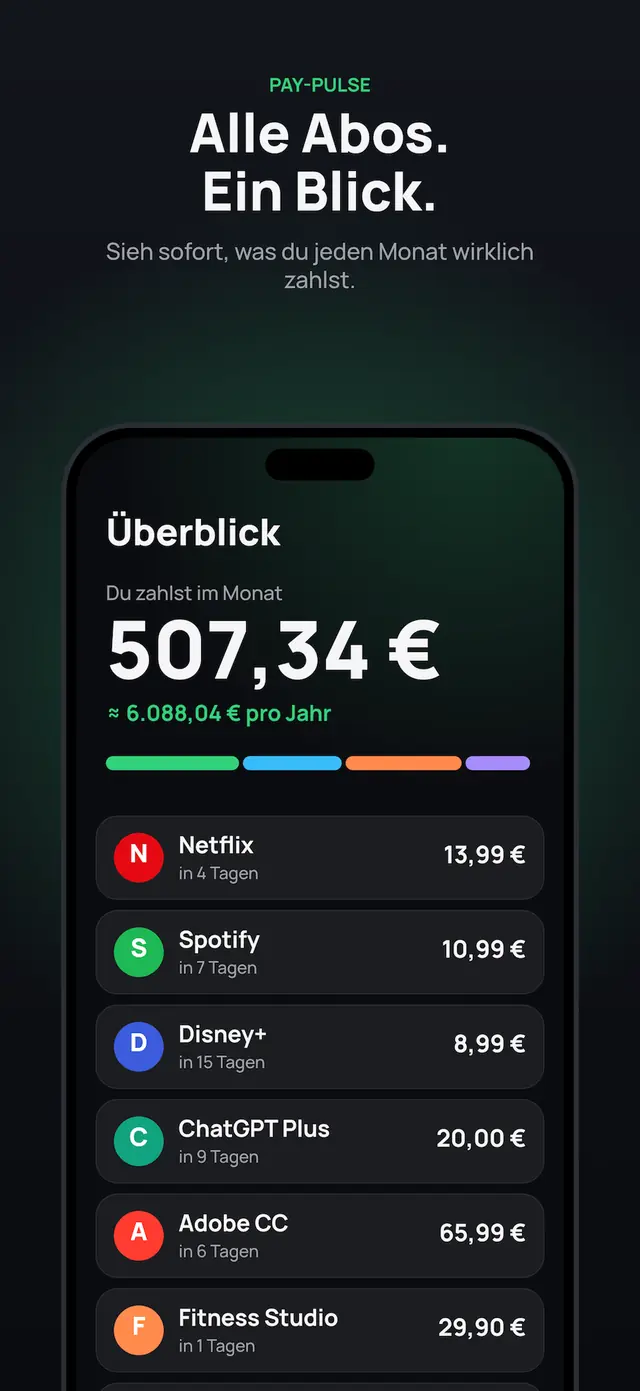
Monthly and yearly costs, split by category, area (e.g. private, family, business) and bank.
iOS app · Now on the App Store
Every subscription. One glance.
Keep all subscriptions and recurring costs in view. Import a bank statement, find duplicates, spot savings.
Start free · Pay once, no subscription
How it works
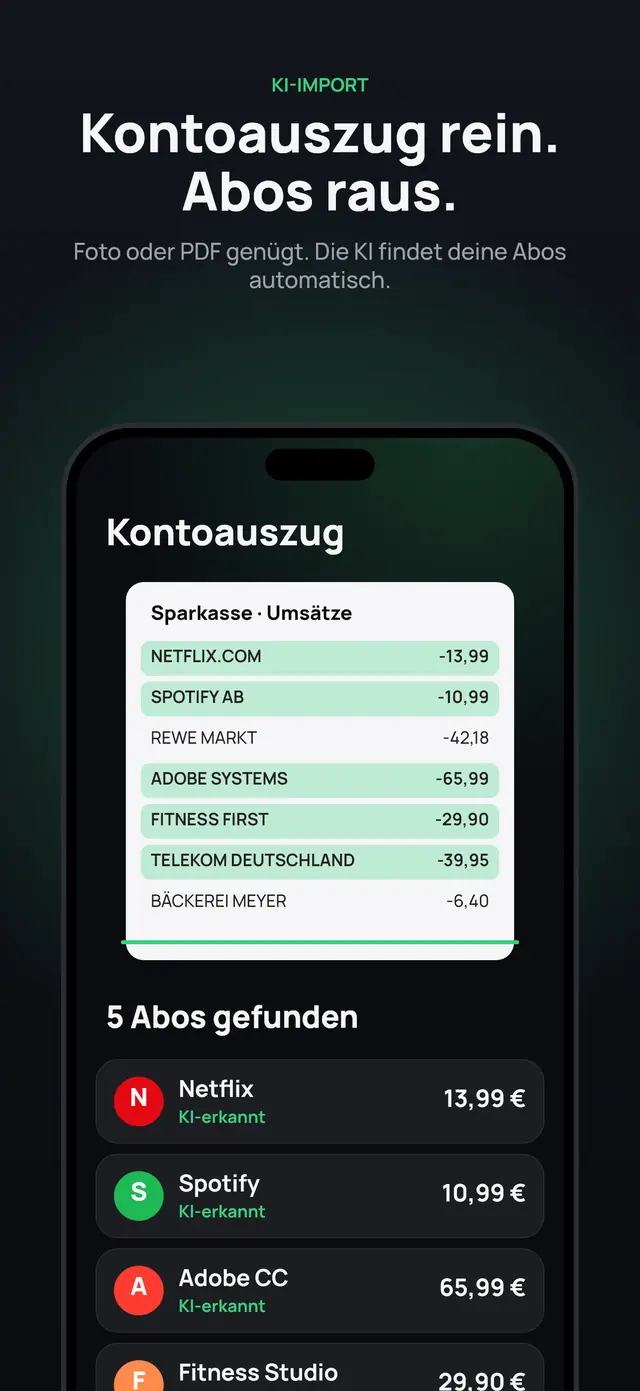
Take a photo or upload a PDF of your bank statement. Or import a backup file, or add entries by hand.
The AI recognises your subscriptions automatically (Pro). You see monthly and yearly costs by category, area and bank.
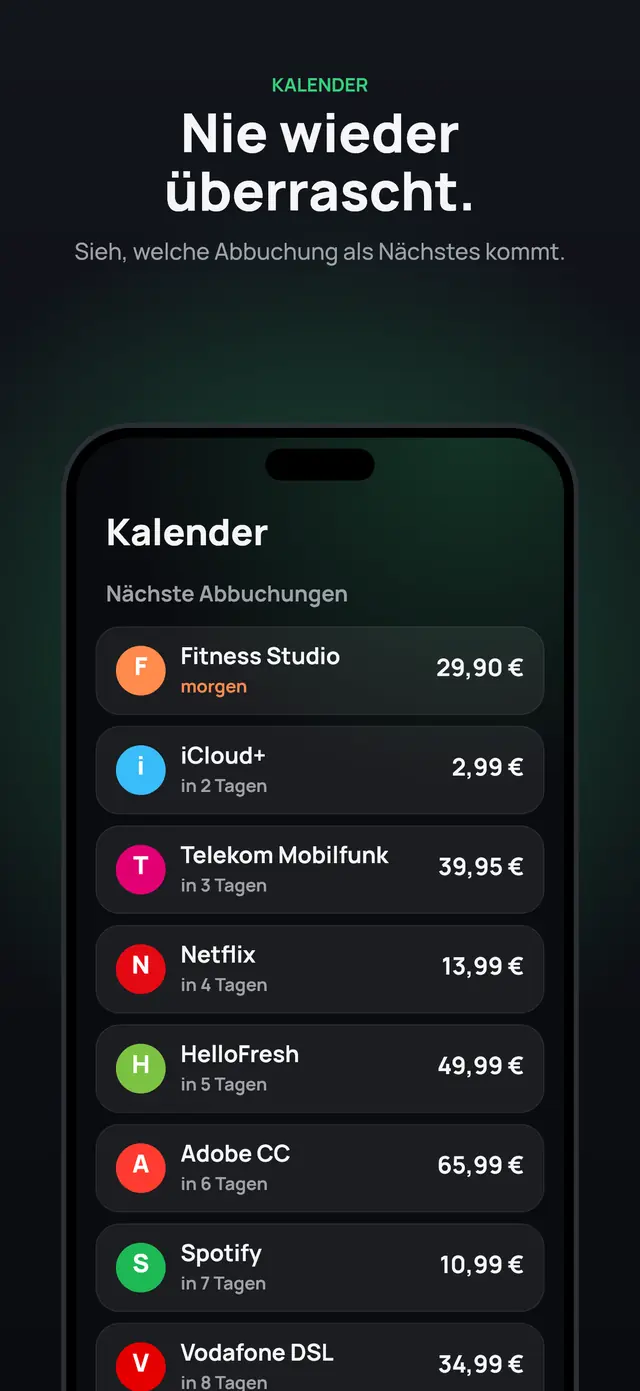
Find duplicate subscriptions, calculate savings, get tips from the money coach (Pro) and see upcoming payments in the calendar.
Impressions
What’s inside
Monthly and yearly costs, split by category, area (e.g. private, family, business) and bank.
Upload a photo or PDF of your bank statement. The AI recognises your subscriptions automatically.
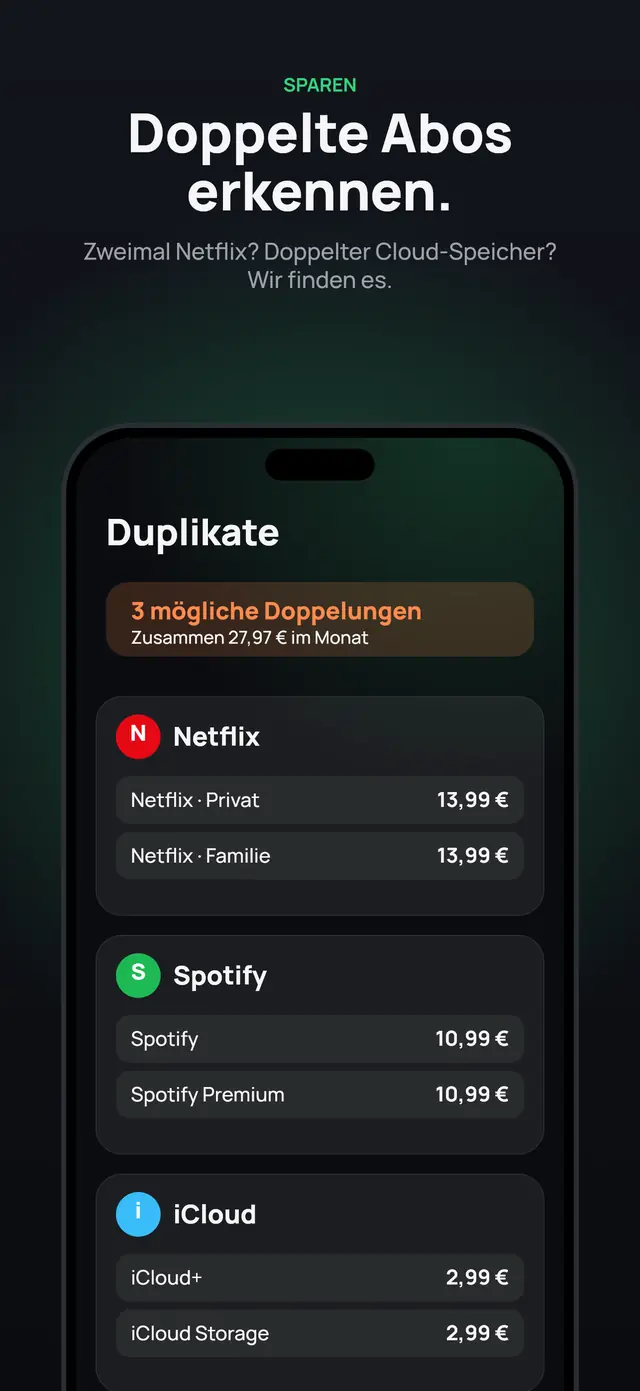
The same streaming twice, two cloud storages? Pay-Pulse finds possible duplicates and shows what they cost you.
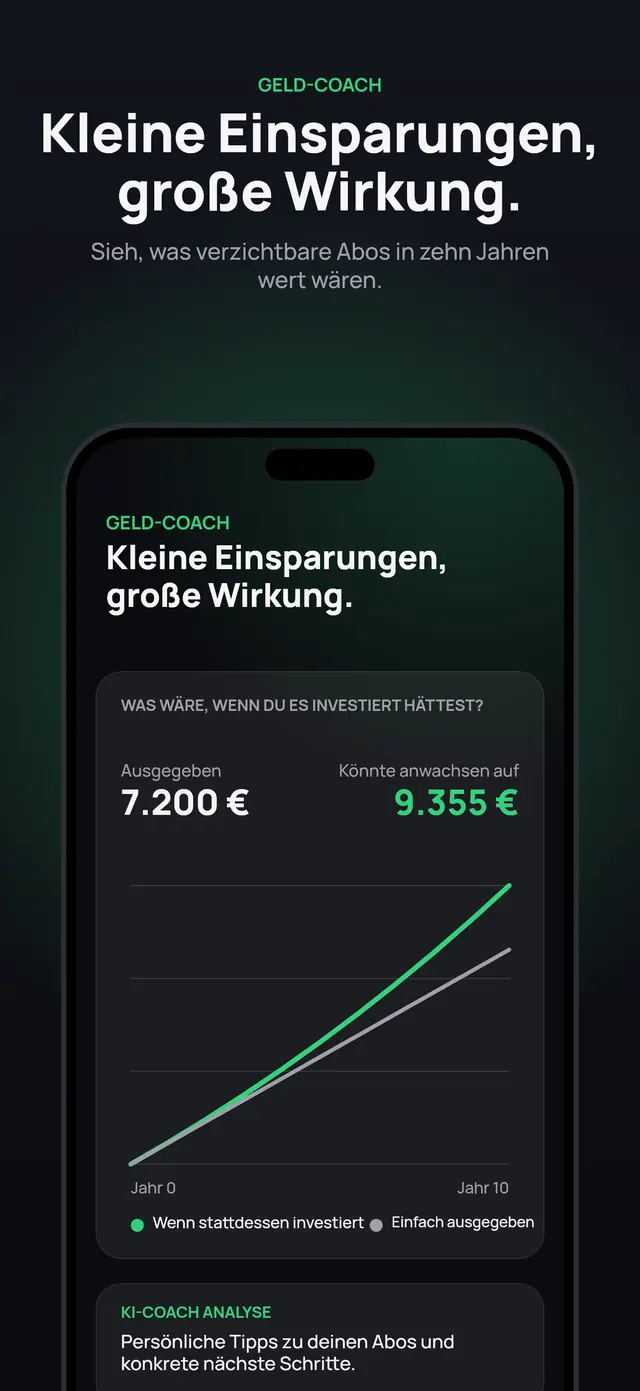
See what small savings can achieve over the years. The AI coach gives personal tips and concrete next steps. Example calculations are for illustration only and are not financial advice.
The calendar tells you at any time which payment comes next.
Record where your costs stand, see your progress and note decisions, e.g. which subscriptions you want to cancel.
Save your data as a backup and export it as a PDF.
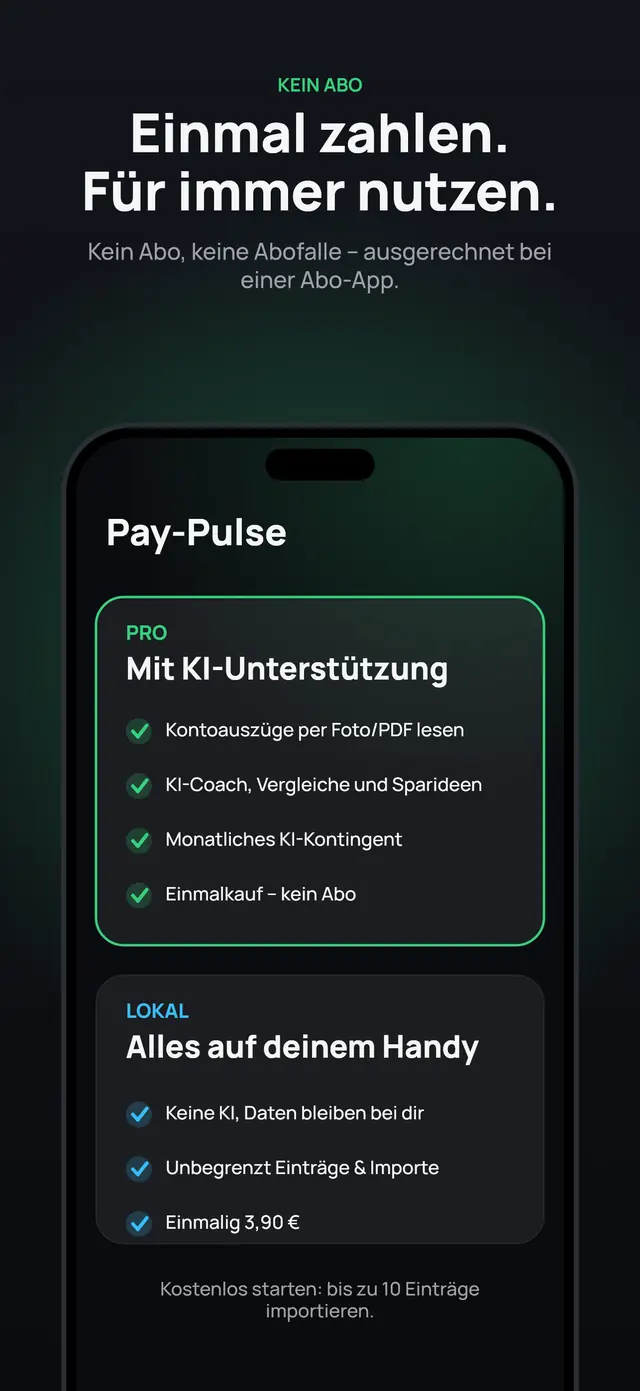
Pay once, no subscription
Start free: import up to 10 entries and manage everything by hand.
One-time purchase with a monthly AI allowance for bank statements, coach and comparisons.
One-time purchase without AI: everything stays on your device, your data never leaves it.
Prices and details are shown in the App Store.
Why it matters
Small amounts, every month, over years. That’s often where more hides than you think.
The subscription effect
Tap what you have – and see what it adds up to over the years.
Example prices; illustration at 5% p.a. before tax. Not a forecast and not investment advice. Not every subscription is wasteful – it’s about choosing consciously.
Your data. Your choice.
You upload bank statements. There is no connection to your bank account.
In the “Local” option and when entering things by hand, everything stays on your device, with no AI at all.
For the AI features, the content you select goes to Claude by Anthropic. The app tells you upfront. We don’t store it, Anthropic doesn’t use it for training.
No. You upload a bank statement as a photo or PDF, or add entries by hand. There is no connection to your account.
Only if you use the AI features (Pro): then the app sends the content you select to Claude by Anthropic, our AI processor, for analysis. The app tells you upfront. We don’t store the content, and Anthropic doesn’t use it for training. In the “Local” option, nothing is sent.
The download is free. You can start free with up to 10 entries; Pro and Local are one-time purchases, not subscriptions. Current prices are shown in the App Store.
No. The tips are general suggestions and not investment, tax or legal advice. You always make the decisions.
For now, Pay-Pulse is available for iOS only.
Pay-Pulse is on the App Store.